


Basic computer skills and familiarity with Windows.
A laptop or desktop capable of running Power BI Desktop.
Microsoft Excel knowledge is recommended but not mandatory.
Internet connection for accessing Power BI Service and course materials.
Motivation to practice through exercises and the final project.
Beginners interested in data analysis and business intelligence.
Excel users looking to advance their reporting skills.
Business professionals who work with data-driven decisions.
Students and fresh graduates seeking analytical skills.
Anyone wanting to create professional dashboards and reports.
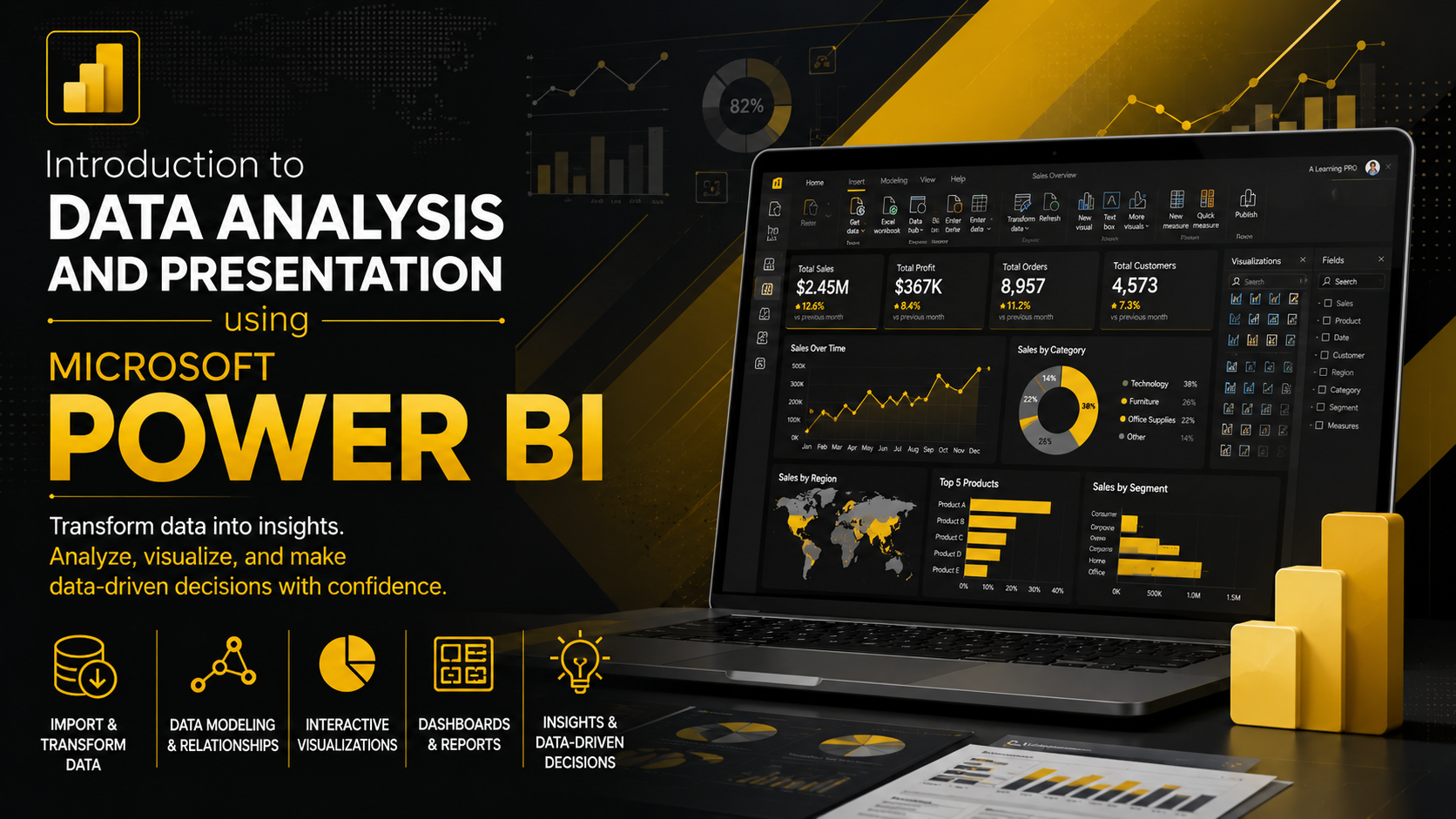
Connect Power BI to Excel, CSV, databases, and cloud data sources.
Clean, transform, and prepare data using Power Query.
Build data models and create relationships between datasets.
Create DAX measures and perform time-based analysis.
Design interactive dashboards and publish reports in Power BI Service.
1.1 Course introduction
4 Minutes
1.2 Business Intelligence
8 Minutes
1.3 Installing Power Bi
2 Minutes
1.4 Exploring the Power BI Interface-
3 Minutes
2.1 Importing Files
7 Minutes
2.2 Importing Multiple sheets from an Excel file
1 Minutes
2.3 Importing CSV Files
2 Minutes
2.4 Importing Data from the Web
2 Minutes
2.5 Combining Multiple Files from a Folder
3 Minutes
3.1 Introduction to Power Query
4 Minutes
3.2 Managing Queries
4 Minutes
3.3 Data Cleaning
5 Minutes
3.4 Data Types
8 Minutes
3.5 Sorting and Filtering Data
5 Minutes
3.6 Working with Text
8 Minutes
3.7 Replace and Fill
4 Minutes
3.8 Working with Columns
6 Minutes
3.9 Index and custom column
6 Minutes
3.10 Conditional column
2 Minutes
3.11 Mathematical and Statistical Operations
8 Minutes
3.12 Pivot and Unpivot
2 Minutes
3.13 Group By
3 Minutes
3.14 Working with date and time
5 Minutes
3.15 Append Queries
2 Minutes
3.16 Merge Querie
4 Minutes
3.17 View Tab and close
3 Minutes
4.1 Fact and dimention tables
5 Minutes
4.2 Model view interface
5 Minutes
4.3 Creating Relationships Between Tables
3 Minutes
4.4 Types of Relationships
3 Minutes
4.5 Cross Filter Direction in Relationships
4 Minutes
4.6 Snowflake Schema
5 Minutes
4.7 Creating Calendar Table
7 Minutes
4.8 Connecting the Calendar Table to Other Tables
2 Minutes
5.1 Difference between Columns and Measure
2 Minutes
5.2 SUM Function
5 Minutes
5.3 AVERAGE Function
2 Minutes
5.4 COUNT AND DISTINCTCOUNT
6 Minutes
5.5 DIVIDE Function
3 Minutes
5.6 IF Function
4 Minutes
5.7 SWITCH Function
4 Minutes
5.8 CALCULATE Function
5 Minutes
5.9 Time Intelligence
6 Minutes
6.1 Report Formatting Interface Overview
9 Minutes
6.2 Working with Themes
3 Minutes
6.3 Maps
5 Minutes
6.4 Format paiter
3 Minutes
ممتاز
0
جيد جدا
0
متوسط
0
سيئ
0
سيئ جدا
0
0 التعليقات
يرجى تسجيل الدخول لإضافة تعليق. تسجيل الدخول

لم يتم العثور على كورسات.

لا توجد تعليقات بعد. كن الأول لتعليق على هذه الدورة.