



AI does not replace AutoCAD skills, but it can make everyday drafting faster. From troubleshooting to scripts and workflow planning, it can become a useful assistant for engineers and designers.
Artificial Intelligence is becoming part of almost every field, and engineering design is no exception.
For AutoCAD users, however, the useful question is not whether AI can create an impressive drawing in a few seconds.
A better question is: Can AI actually make my everyday AutoCAD work easier?
In many situations, it can.
Anyone who works with AutoCAD knows the situation: a command is not behaving as expected, a hatch refuses to work, an object cannot be selected correctly, or a drawing suddenly becomes slow.
Normally, you might spend time searching through forums and videos trying to find the reason.
An AI assistant can help you describe the problem, identify possible causes, and give you a few things to check.
It will not always give you the perfect answer immediately, but it can make troubleshooting much faster.
Another interesting use is creating simple AutoLISP routines or scripts.
You do not have to be a professional programmer to start experimenting with automation.
For example, if you repeat the same sequence of steps many times during a project, you can explain the workflow to an AI tool and ask it to help you create a simple script.
Of course, the generated code should always be tested before using it on an important project.
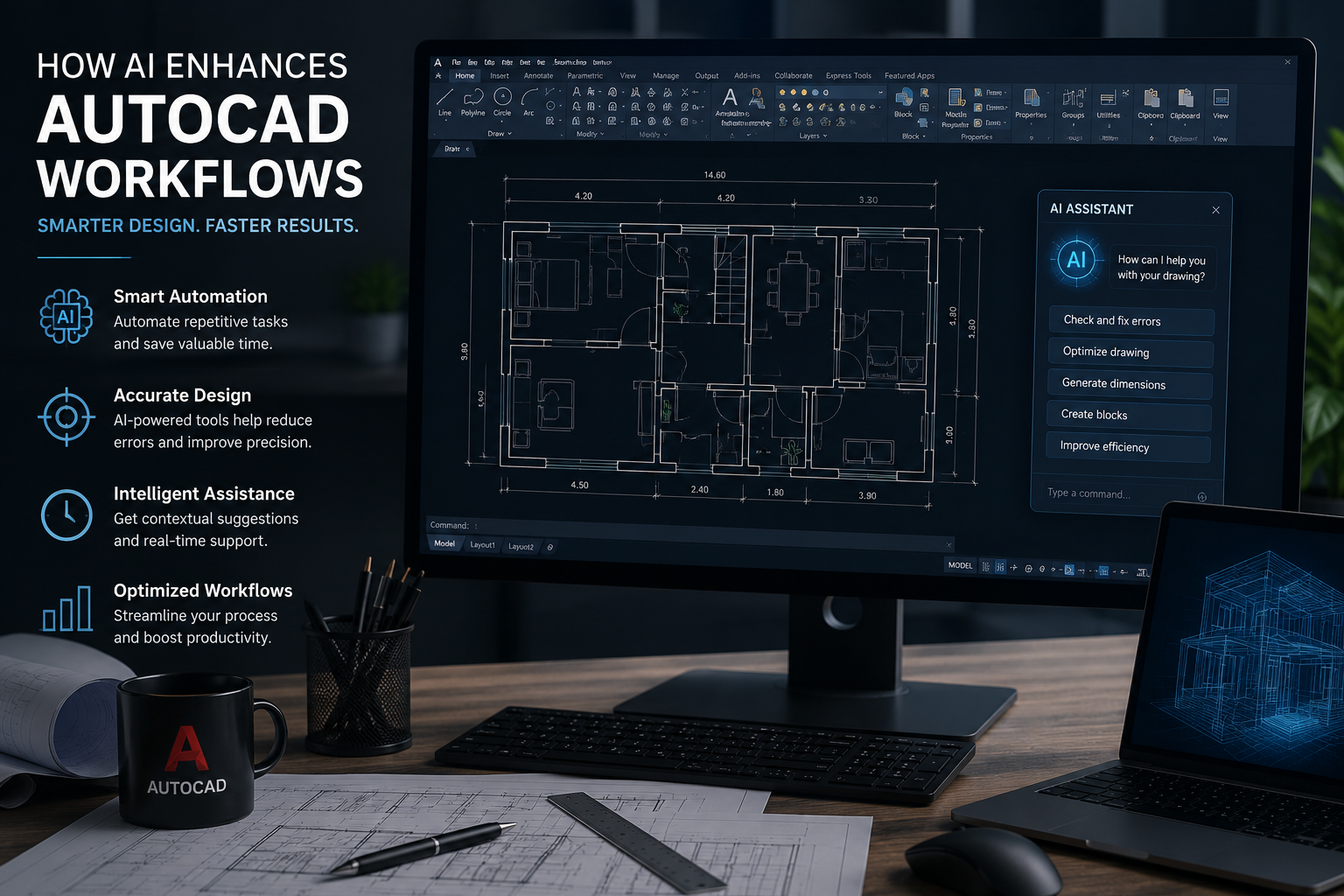
AI is also useful while learning AutoCAD.
Instead of asking:
"Explain AutoCAD."
you can ask:
"What is the difference between Block and Group in AutoCAD? Give me a simple engineering example."
Or:
"My hatch is not appearing inside a closed area. What should I check?"
The more specific the question is, the more useful the answer usually becomes.
This is probably the most important point.
Using AI does not remove the need to understand AutoCAD.
If you do not understand layers, dimensions, drawing accuracy, layouts, or basic drafting principles, it becomes difficult to know whether an AI-generated suggestion is correct.
Think of AI as another tool in your workflow.
AutoCAD gives you the drafting environment. Your engineering or design knowledge tells you what needs to be done. AI can help you find information, solve some problems, automate repetitive steps, and save time.
The strongest combination is not AutoCAD or AI.
It is AutoCAD skills + technical knowledge + smart use of AI.

Link copied
Rate this post
Please log in to rate and comment. Login
Please log in to rate and comment. Login




No courses found.
0 Comments
No comments yet.